
Making little apps on Windows
TLDR: Use directx 11 + native windows apis, bonus points if you don't link libc
Size does matter
I think we're in the middle of a perfect storm of two different things coming together at the same time.
On the one hand I think we might be entering an age of high volumes of LLM fueled desktop software.
On the other hand- a lot of these tools will need to be running locally if you want to do anything useful with them. And lets be honest you'll want graphics acceleration too. A desktop app that doesn't use at least a little bit of gpu is just not very fun. (Just remember to pace your frames so you're not hogging that gpu!)
So having and running lots of apps locally is not a problem if ram and disk space was cheap but unfortunately we're in a bit of a crisis with respect to that right now.
So I think with that all in mind, it's a good time to think about being a bit more conservative with our program's resouce usage.
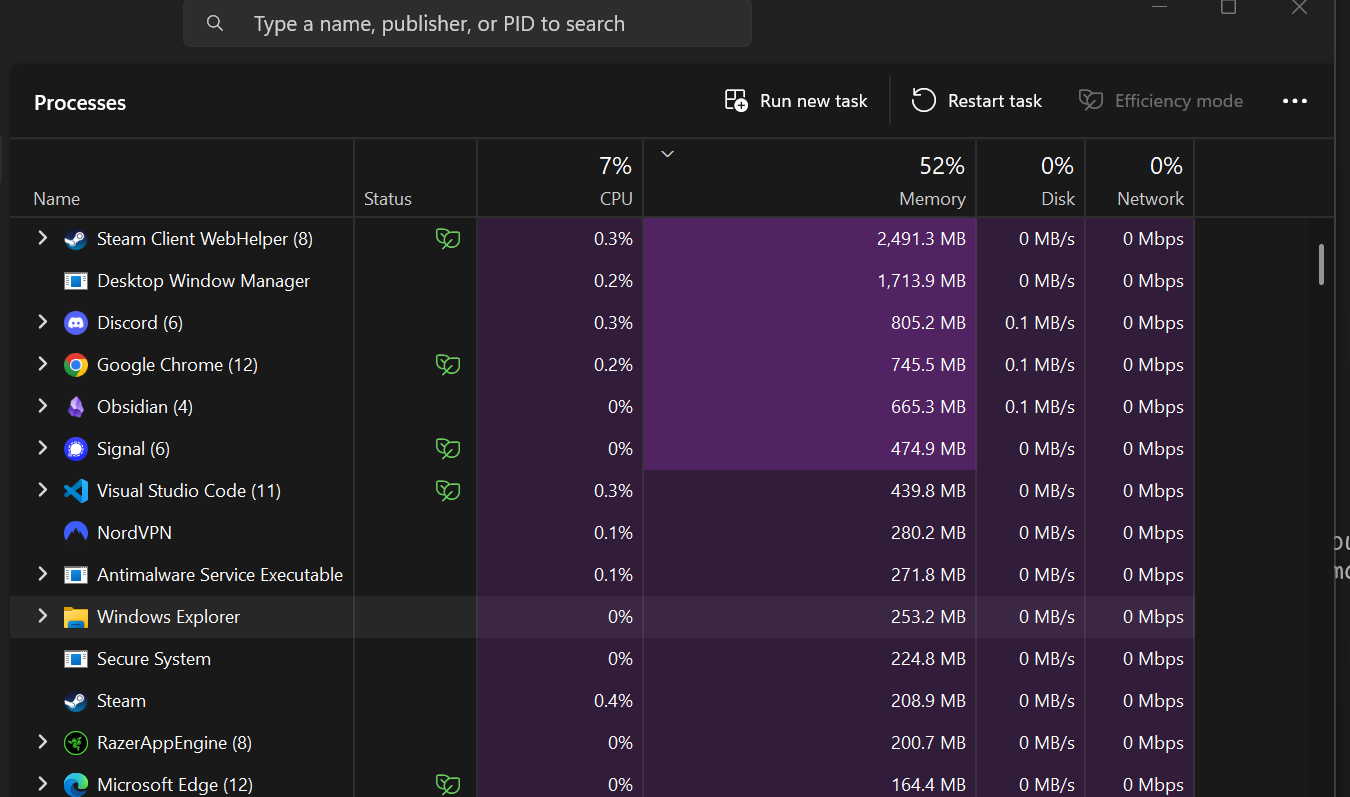
This above screenshot is a bonafide real screenshot of what my computer looks like on a day to day basis.
Lots of apps, and a lot of them using many hundreds of megabytes of ram. Going back to first principles though, I do have to wonder. Just how much memory do your programs really need? In the world of business logic, 200MB of logic is ... a lot of freaking logic.
I suspect a lot of memory is being used before we even get to any bit of our actual program logic... so where is that going?
So lets be pseudoscientific and lets take some measurements.
The plan is really simple. Lets just get a window on screen and see how much memory it uses.
So just a very simple window with a graphics context... in c++ with opengl
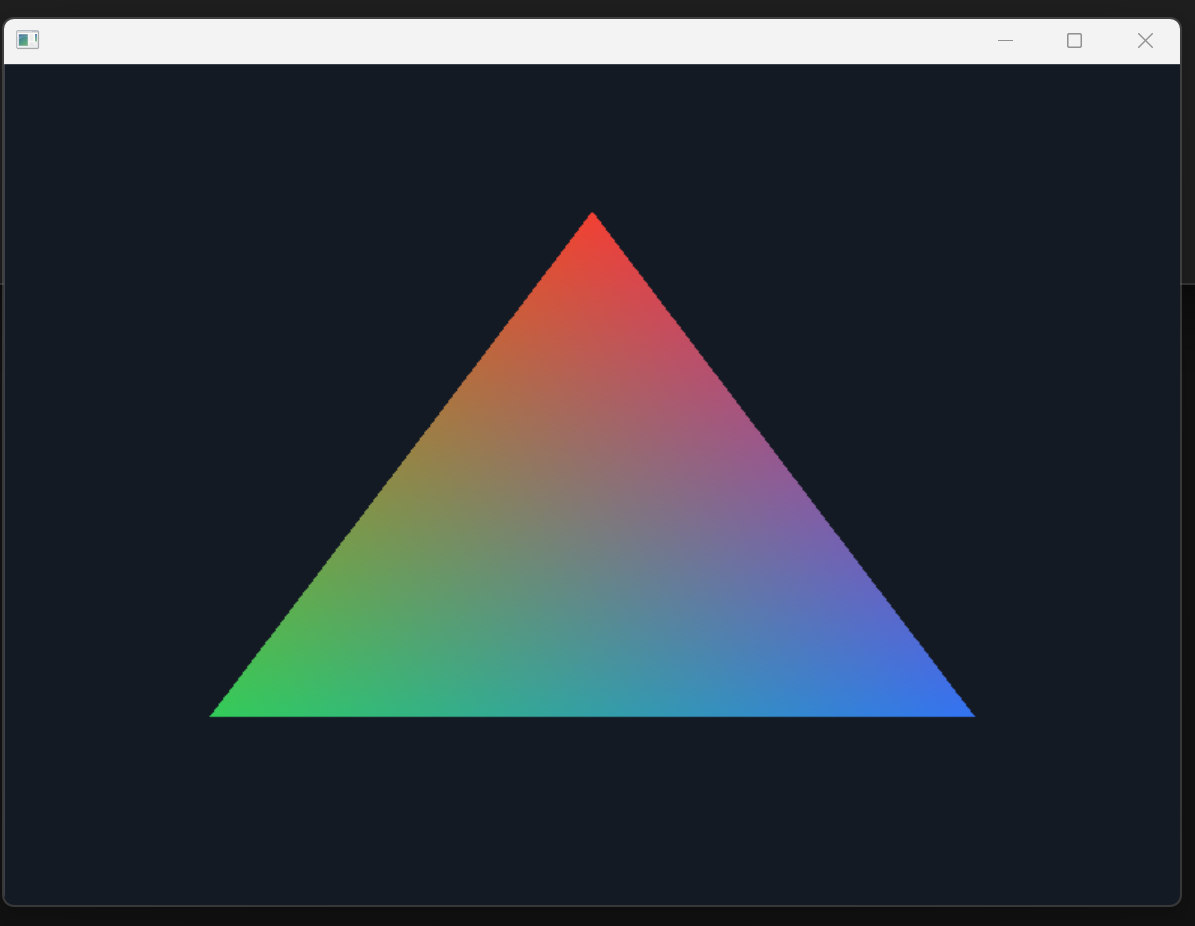
How much memory does this use? 
28 MB out of the box. That is still a hefty amount.. Lets see if switching to zig or rust changes that very much.


Reason say this is because.. i reran this entire exercise but entirely in directx 12 instead: 


And all 3 native apps have very simiar private commit set usage.
Ok staring at task manager is one thing but this isn't very scientific. A more repeatable exercise can be done with a powershell script to read the private commit set memory. And lets also include vulkan as well.
| API | C++ | Rust | Zig | # of times I can run this program on 1 GB of ram |
|---|---|---|---|---|
| OpenGL | 28.12 | 28.18 | 28.18 | ~35 |
| DX11 | 15.61 | 14.40 | 14.12 | ~70 |
| DX12 | 22.81 | 22.85 | 22.78 | ~43 |
| Vulkan | 48.57 | 48.52 | 48.60 | ~20 |
All values in MiB.
So I think the results here are pretty conclusive. We're hitting raw win32 APIs here so theres nothing in the way, and DX11 based apps seem to sip the least amount of memory used.
The reason this is important is because, every time you create a new program with a graphics context you'll be paying this cost, and considering just how insane a modern computer's task bar looks like... this can get really expensive.
Size on disk
Ok now that we've gone through and tested the APIs and settled on DX11 as king. Lets now look at the size on disk of each of these binaries.
This test is a lot simpler, just write hello world and check the sizes with optimizations on.
| Build | Disk size |
|---|---|
| C++ clang -O3 | 211 KiB |
| Rust cargo release | 126.5 KiB |
| Zig ReleaseSafe (0.15) | 529 KiB |
| Zig ReleaseSmall (0.15) | 13.5 KiB |
| C (clang) | 108.5 KiB |
| C (clang without CRT) | 2.5 KiB |
| Go | 2,276 KiB |
Clang C without CRT stands out as an extreme outlier with respect to disk space. I think we can definitely build on that.
Putting it together
Putting it all together let me share this repo: https://github.com/peterino2/Arcanus
Using just plain windows.h headers, platform.c is a 1500 line file that compiles into a graphical program that is as small as the sources that make up the program.
The demo is 59KB, and it contains a text renderer and can draw boxes. Those two primitives alone are sufficient for the vast majority of UIs.
Keep an eye on my blog I've got more to share on this topic soon.
The reference code for all these findings are available here: https://github.com/peterino2/tiny-windows-binary-results